Dynamic one
Dynamic one

Top rated by 500+ clients

★★★★★

Pesticide Shop Software

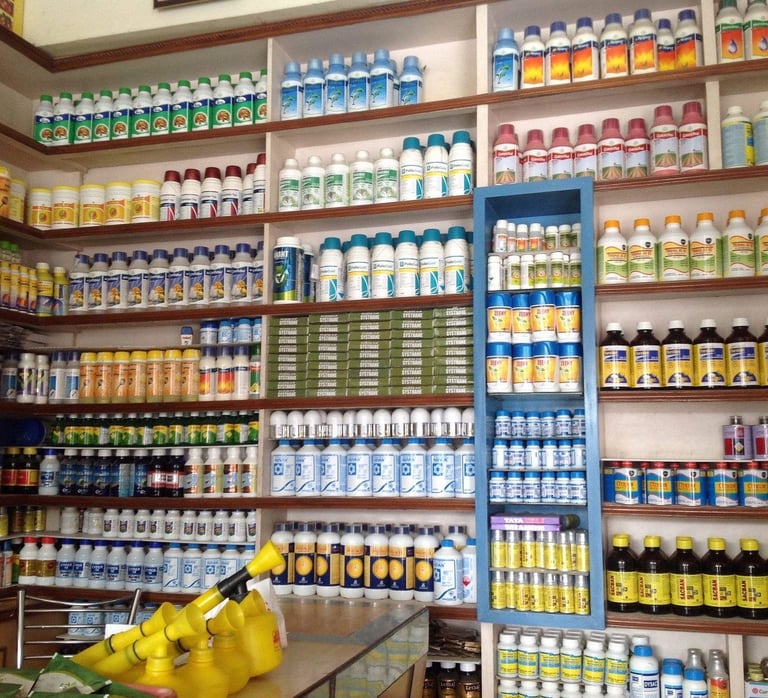
Running a pesticide Shop business comes with its unique challenges. Managing daily transactions, controlling accounts, tracking stock, monitoring sales, processing payments, and keeping up with batch numbers and expiry dates can be overwhelming. However, there's good news! A groundbreaking solution exists to alleviate these burdens and help you effectively manage your pesticide business. Introducing our software solution tailored specifically for the pesticide industry. We have reliable pesticide shop software that helps you to manage daily activities.

How to add & manage Companies

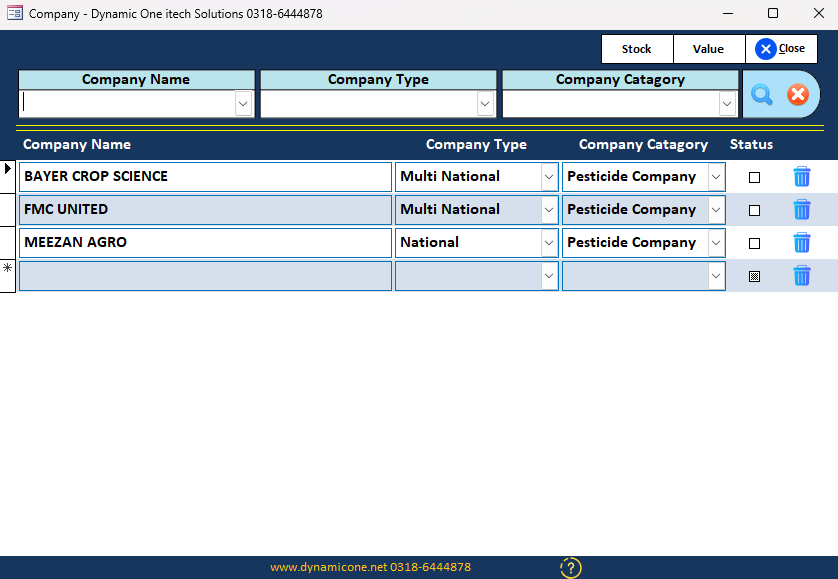
Dear User, Our software has ability to manage stock company wise. so thats why we need to Add company names in it. We can manage company type & company catagory aslo. By doing this you can check every company stock along with their value , profit & loss, Purchases & Sales.

1 - How to Add Company

  • Click companies button in the menu a companies form will open as you show in picture. then click in company name field and type company name and hit enter. then select company type & company catagory. You can add multiple companies line by line.

2 - How to edit Company

  • You can directly edit any company name , type or catagory on this form.

3 - How to edit Company

  • To delete any company simply click on delete icon next to that company. Click delete icon and enter software password. Note : if you added ay product under this company then company will not delete. To delete this first you have to delete there products then you can delete company.